Two clicks. That's it.
Right-click a file, pick an action, you're done. No app to open, no import, no export. The workflow disappears so you can focus on the file.
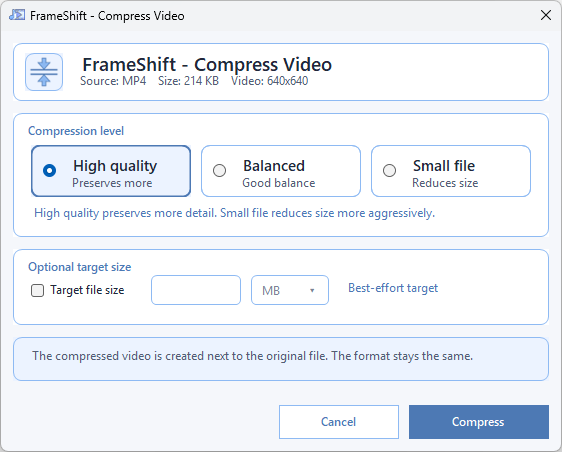
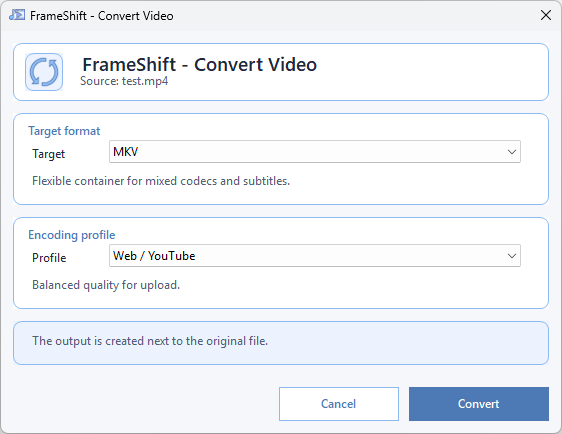
Convert, compress, crop, cut, extract audio, remove backgrounds, remove objects from images, split audio stems, smooth motion with RIFE and more — straight from the Windows right-click menu. 100% local. 100% offline. No upload, ever.
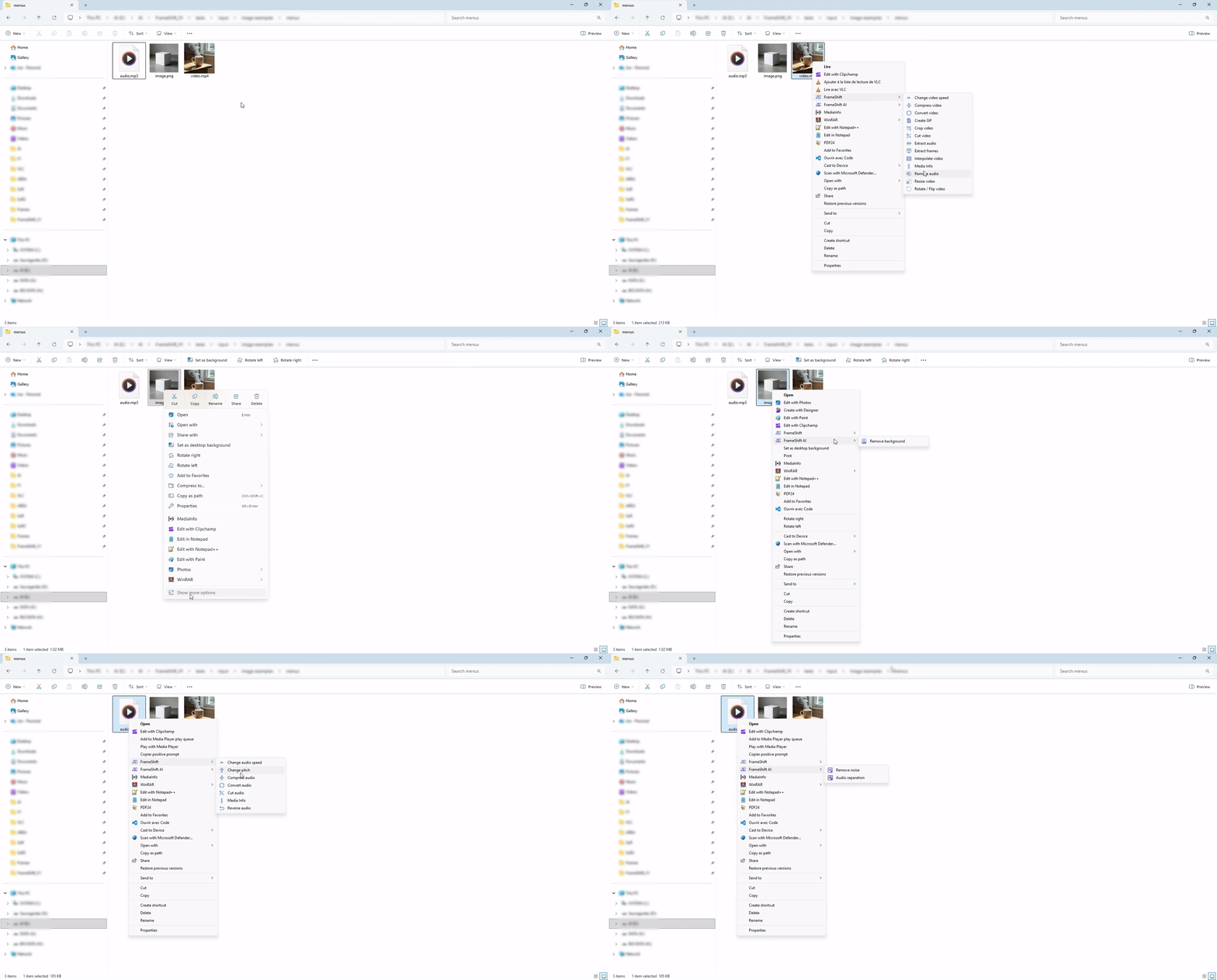
Right-click a file, pick an action, you're done. No app to open, no import, no export. The workflow disappears so you can focus on the file.
No cloud, no upload, no telemetry. Your photos, videos and audio files never leave your disk. Works the same with or without an internet connection.
The open-source reference for audio and video, natively integrated. Reliable, fast, and battle-tested — no proprietary black box.
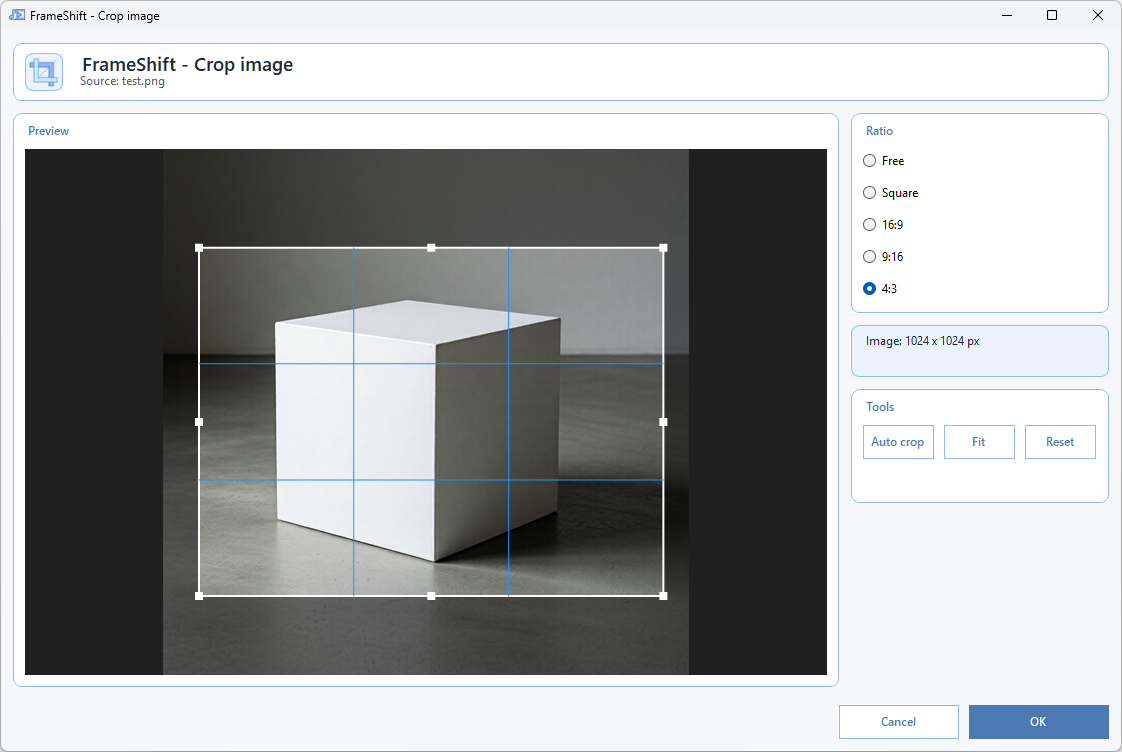
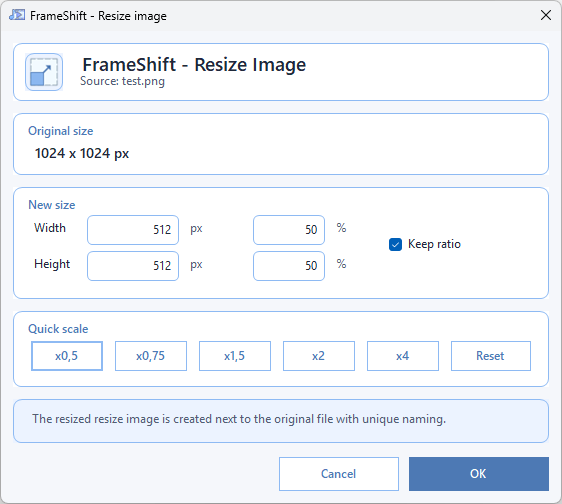
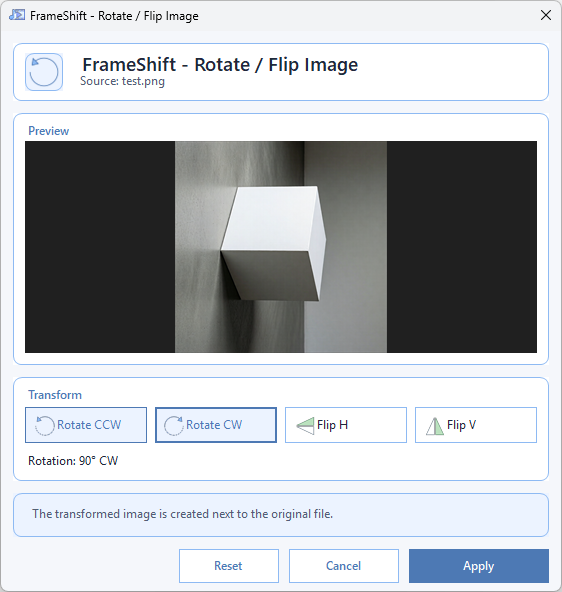
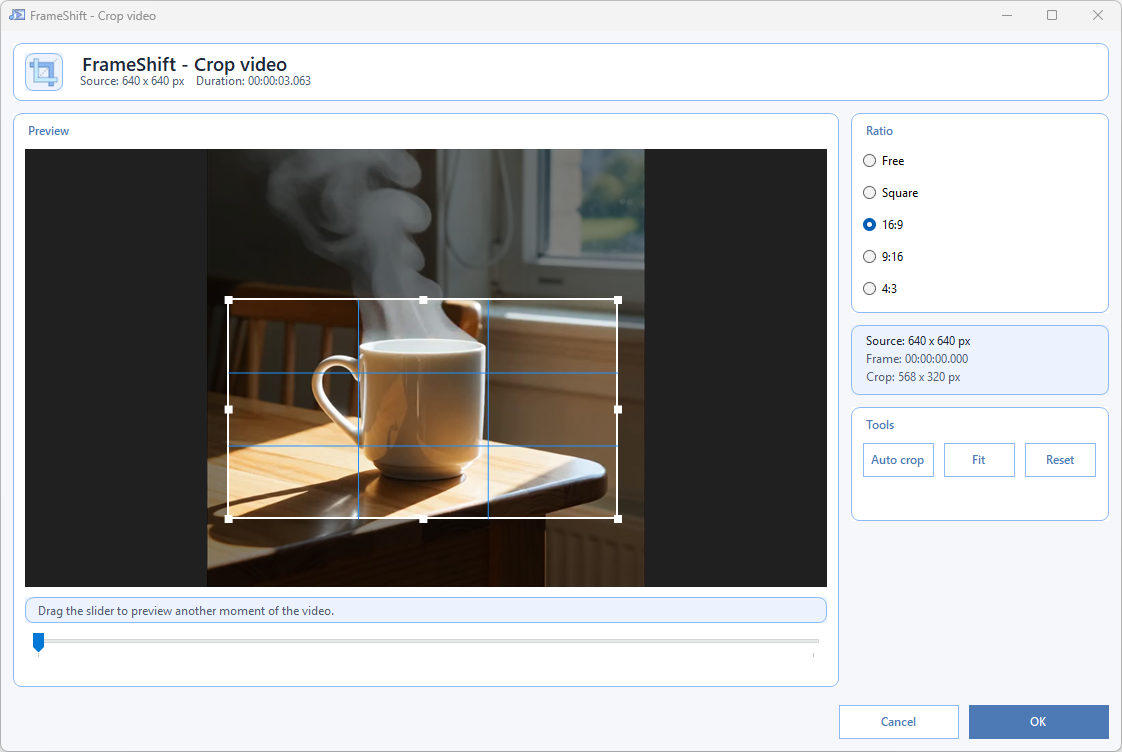
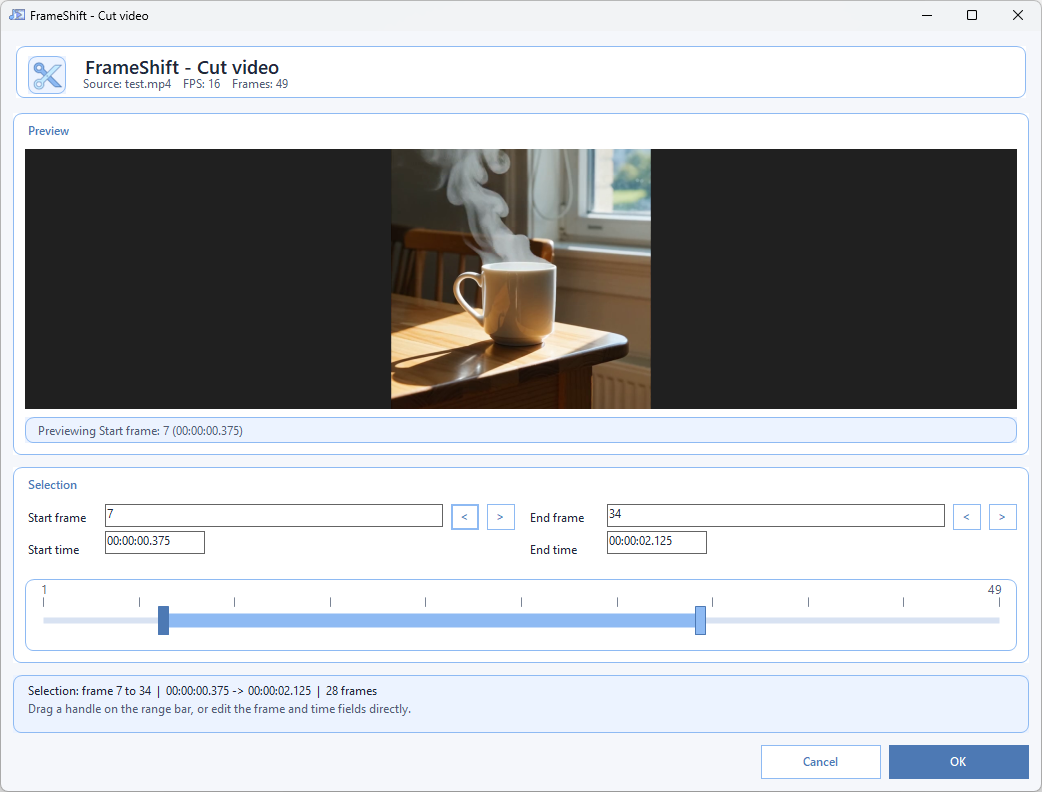
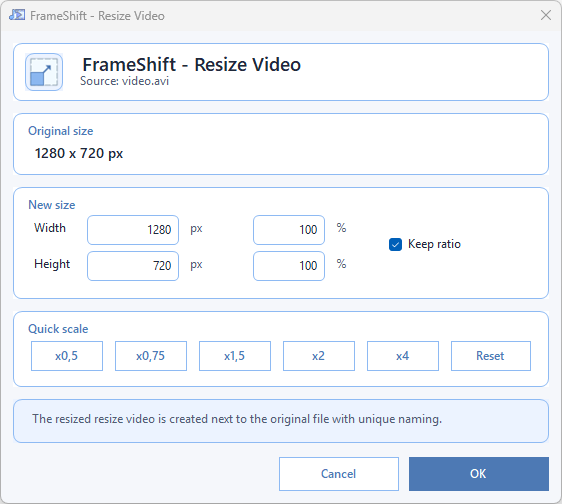
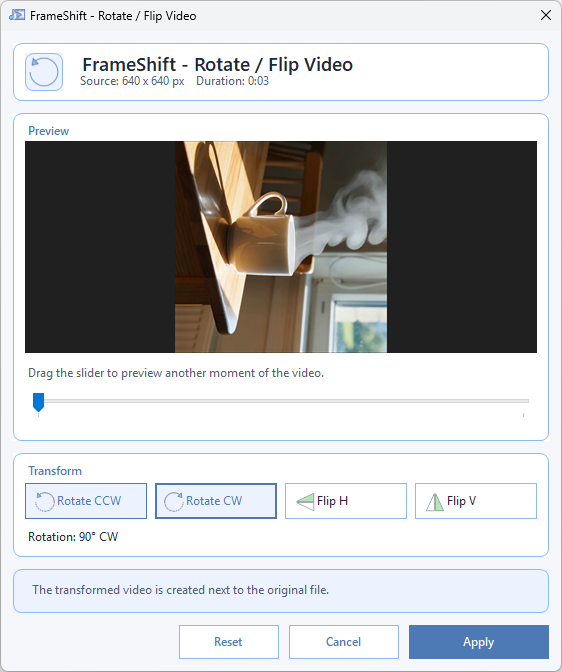
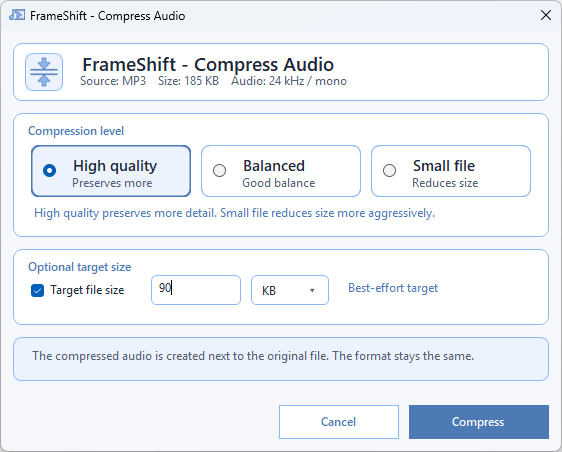
Need to crop, trim, rotate, resize, or extract something fast? FrameShift is designed for small, repeated media fixes that should take seconds, not minutes.
Results stay next to the original file with safe unique naming. You keep your source, avoid accidental overwrites, and stay in control of every version.
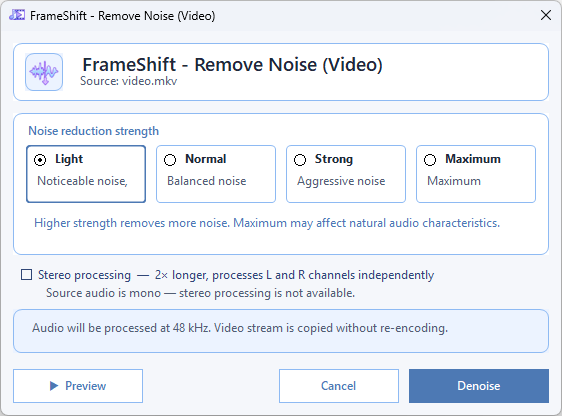
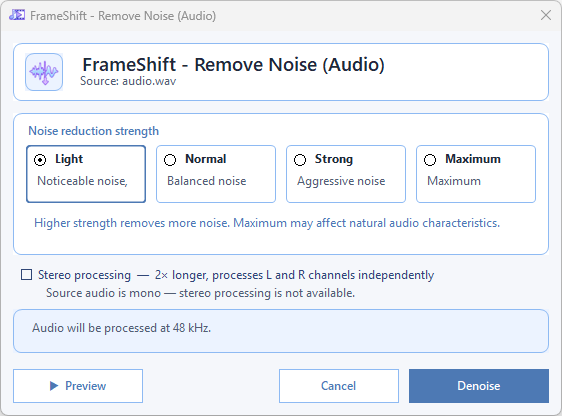
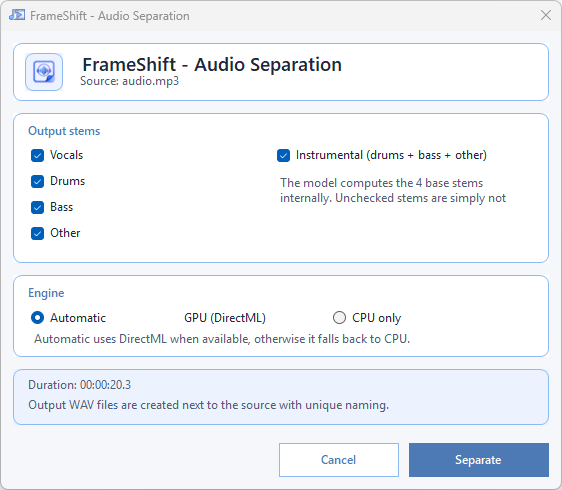
Use AI features like background removal, denoising, and audio separation locally on your machine. No upload, no subscription wall, no sending private files to a remote service.
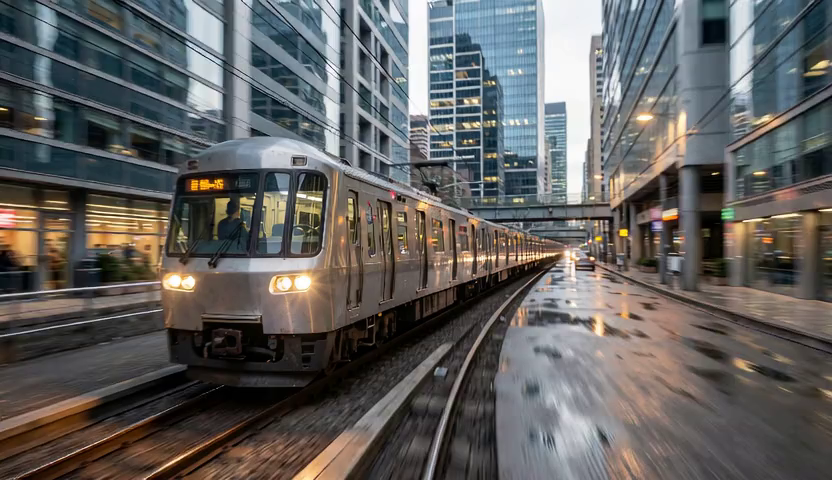 Before
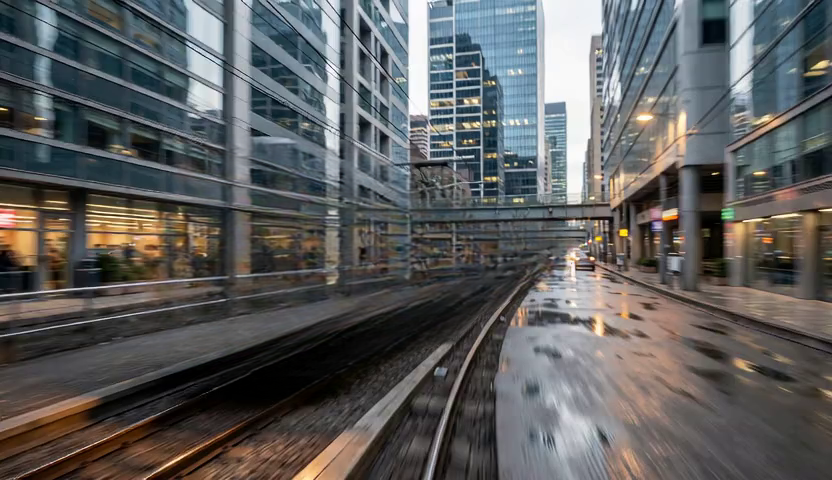 After
After
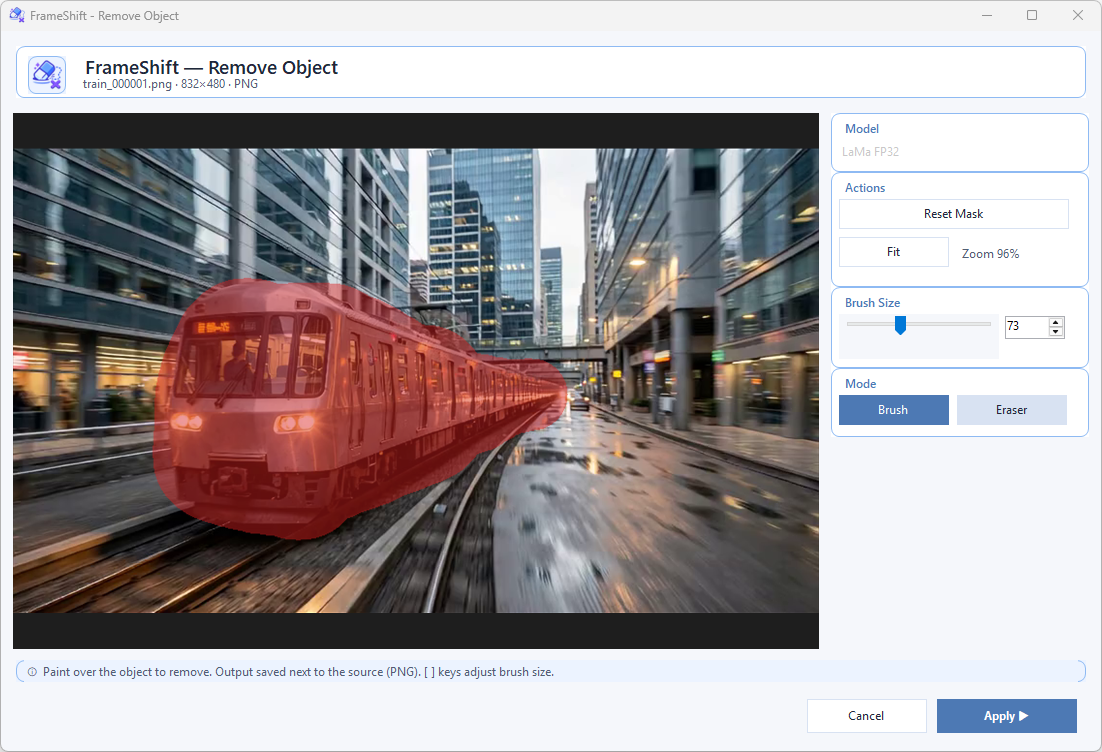
Paint over any object with a brush, click Apply — the AI reconstructs the background behind it. No upload, no cloud. Runs entirely on your machine with LaMa inpainting via ONNX Runtime.
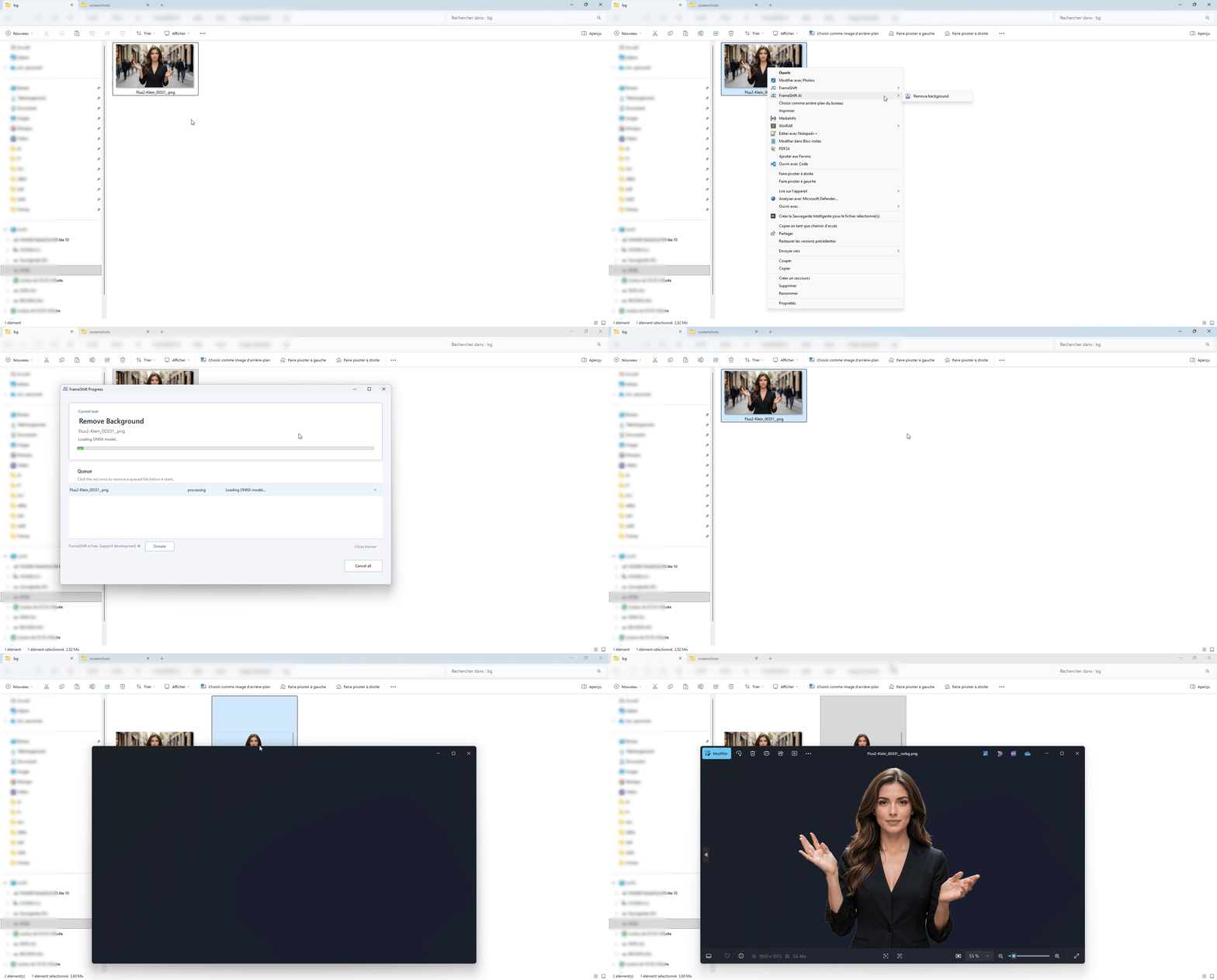
Cut out subjects from your images with a single click. No subscription, no upload — the model runs on your GPU through ONNX Runtime + DirectML.
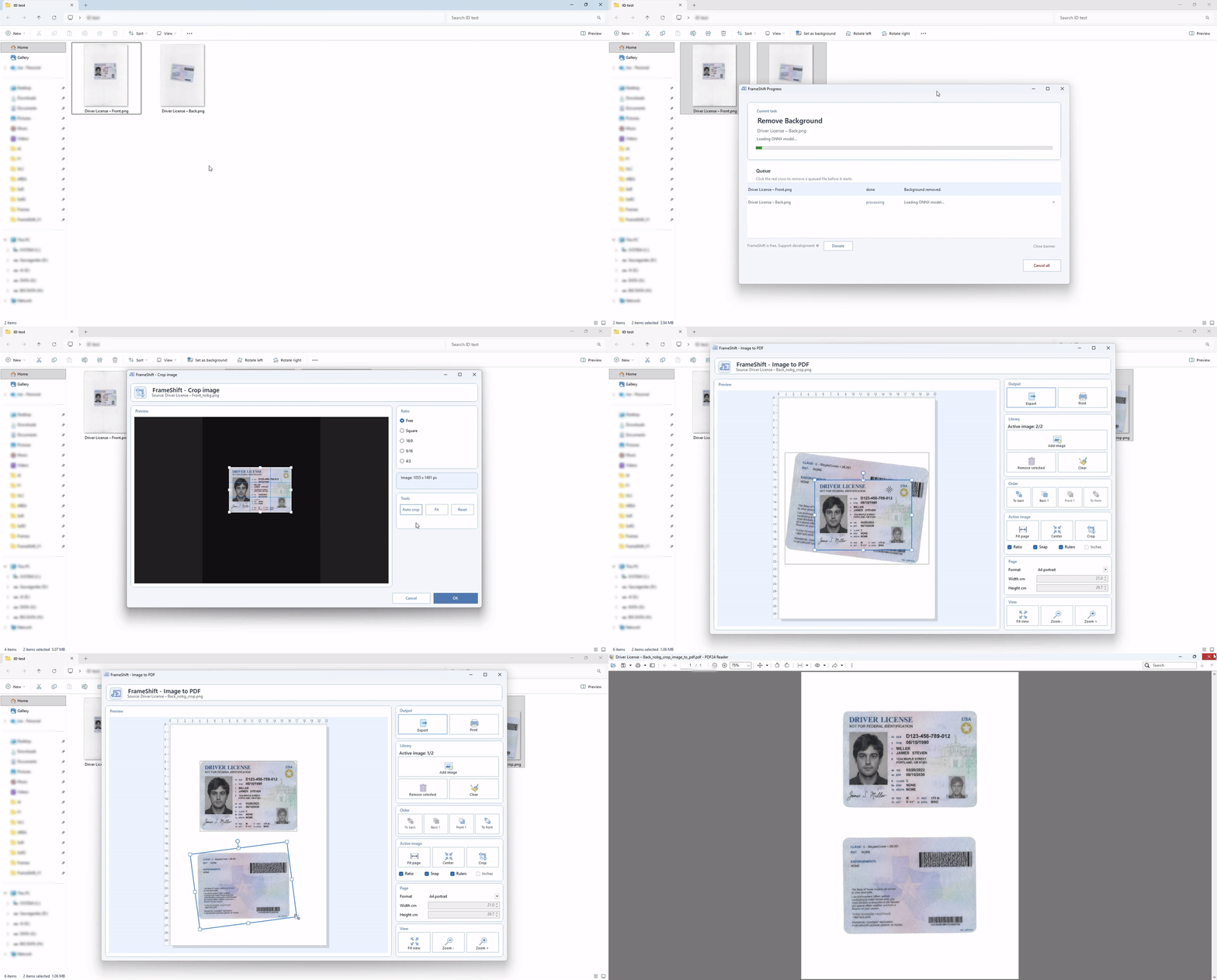
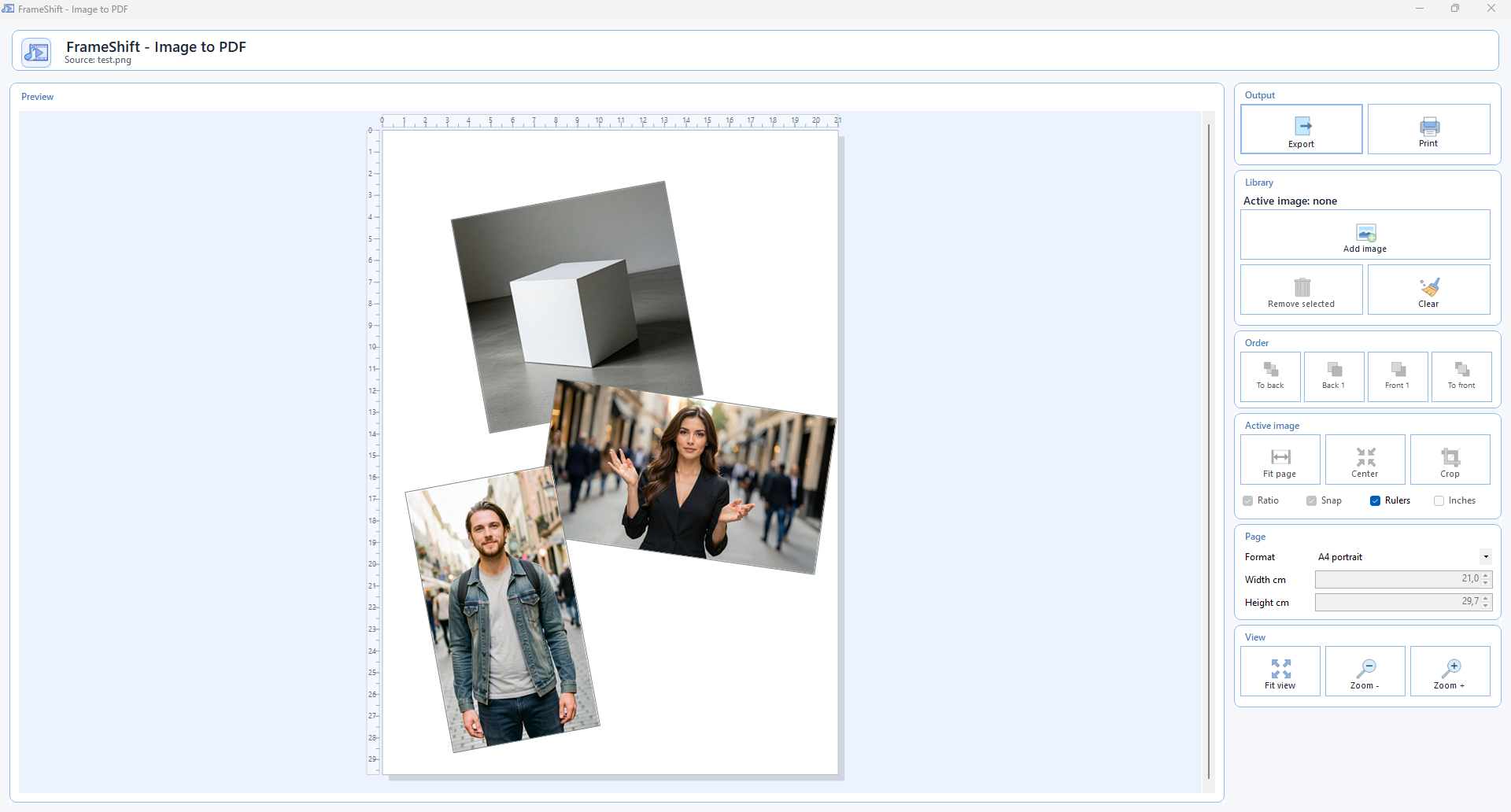
Select your images, choose the action, get a clean PDF ready to share. Order, page size and orientation handled for you.
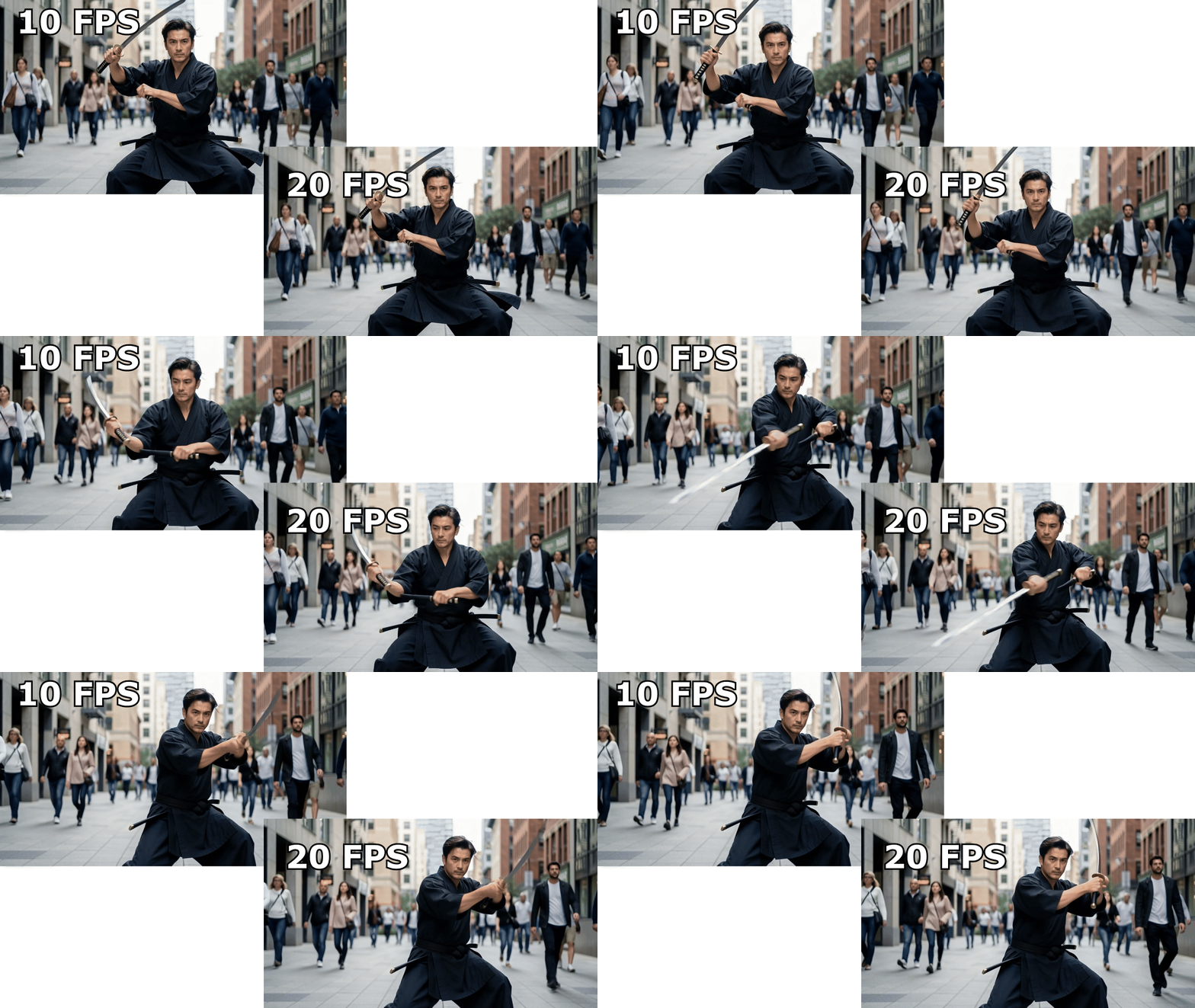
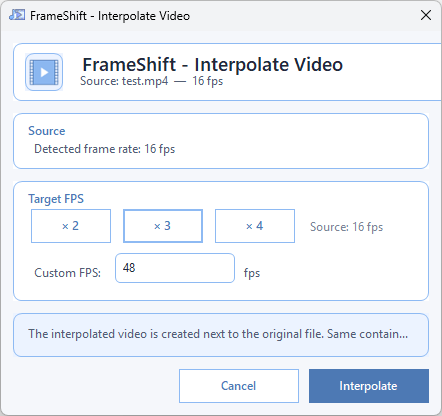
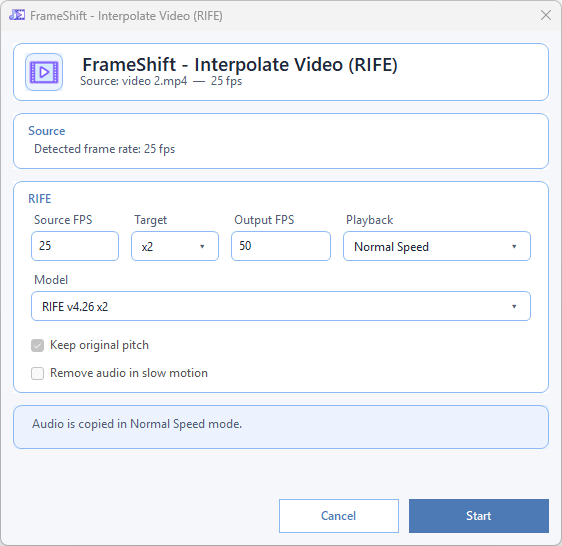
Generate smoother motion with the local RIFE workflow, model preflight, and ONNX Runtime DirectML acceleration when available.
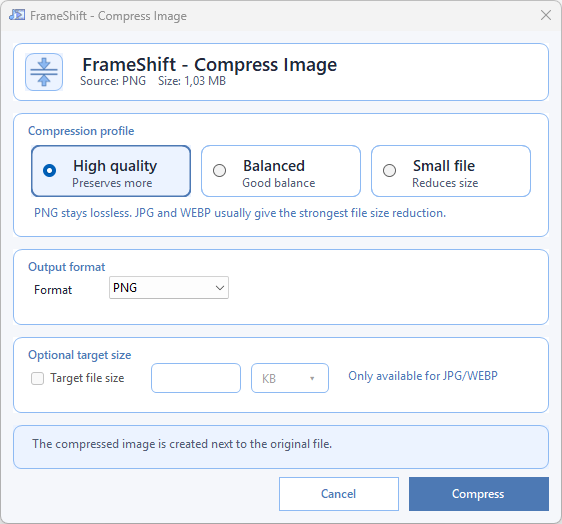
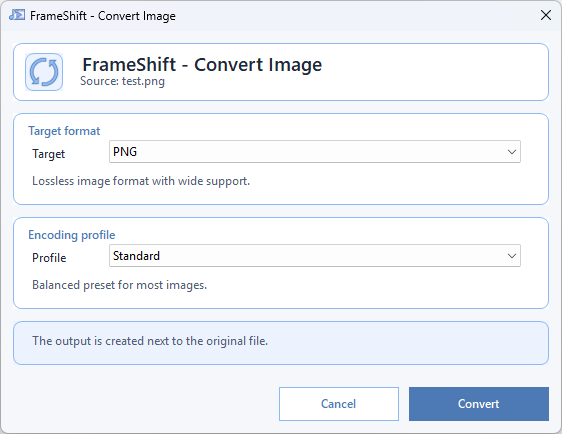
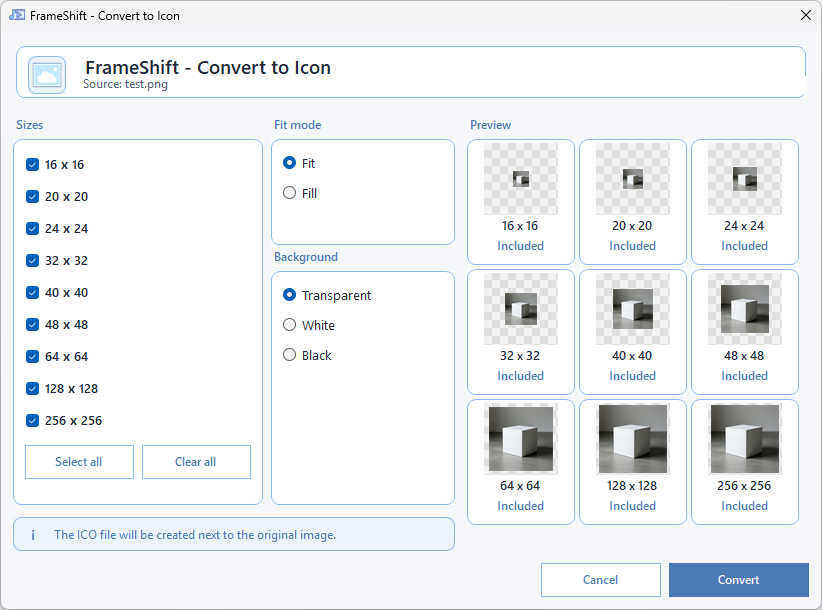
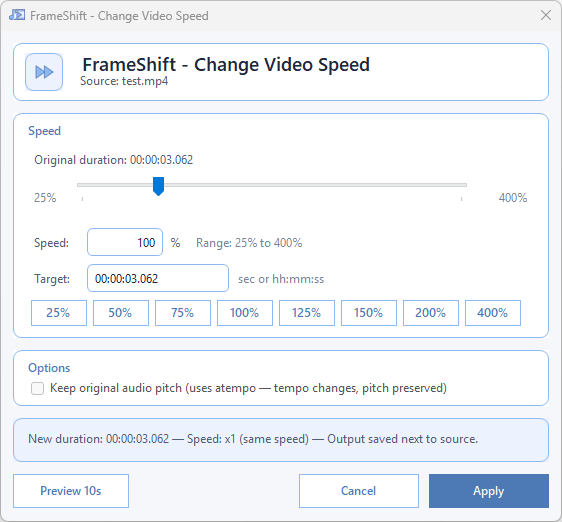
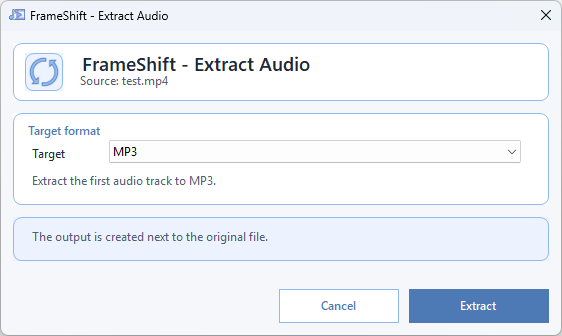
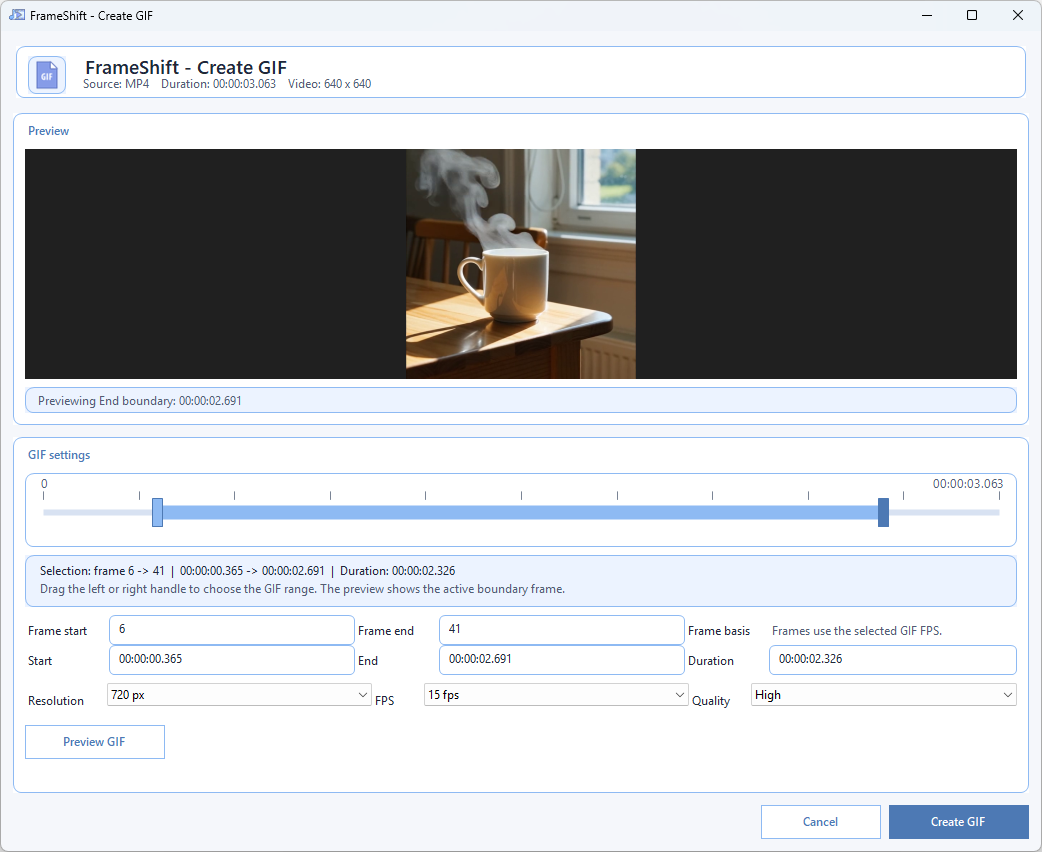
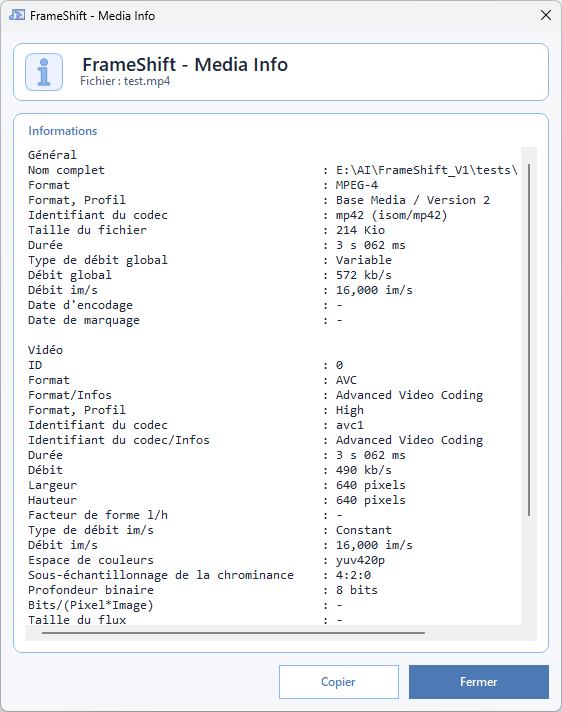
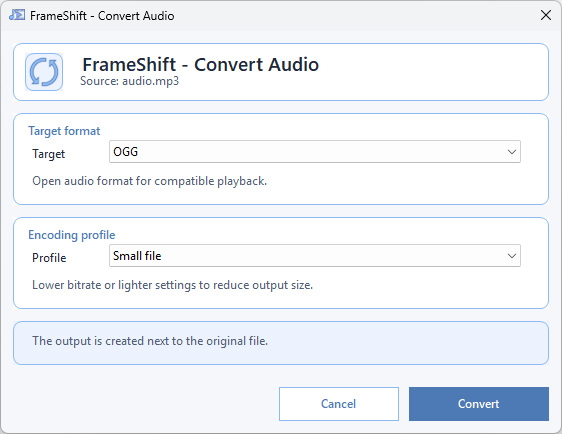
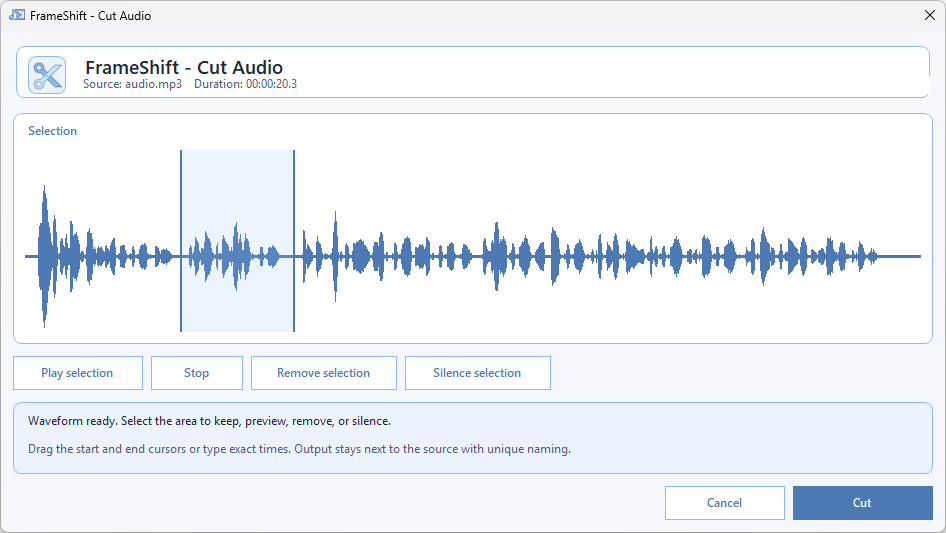
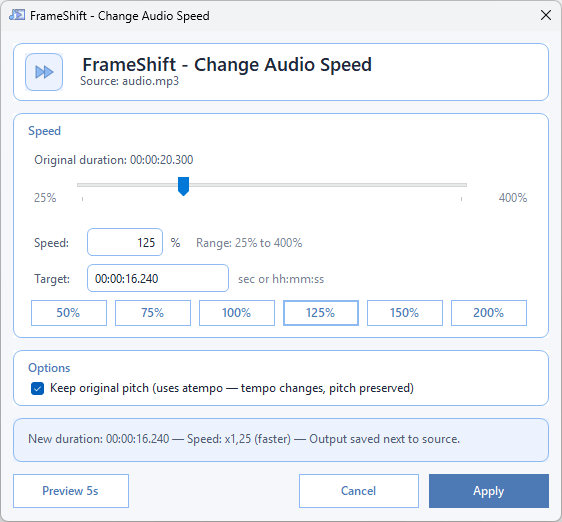
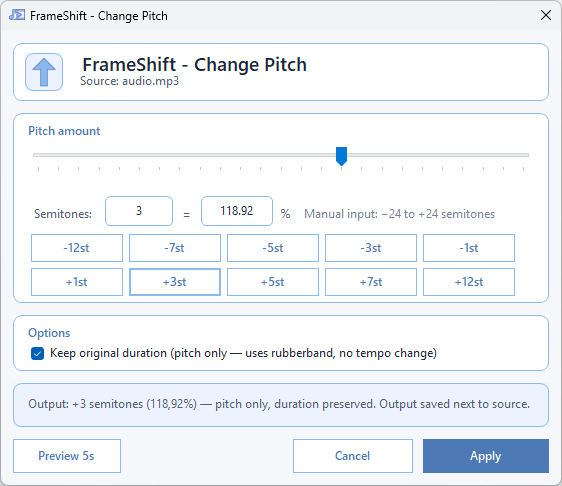
Every UI is designed to be readable, run in seconds, and get out of the way.
win-x64FrameShift is free and built in my spare time. If the tool saves you time, a coffee is always appreciated.
Buy me a coffee