Turn a stack of images into a PDF.
Arrange, crop, rotate and export a polished page layout without opening a separate editor.
Windows context-menu media tools
Turn images into a clean PDF, extract music or frames from a video, cut a clip, shrink a file before sending it, inspect media details, resize an image or convert formats without opening a heavy editor.
Simple workflow
FFActions creates the result next to the original file and keeps your source untouched. Short dialogs, clear options, local processing.
Real-life shortcuts
Arrange, crop, rotate and export a polished page layout without opening a separate editor.
Turn a video soundtrack into an audio file in a few clicks.
Create a new folder of full-resolution frames next to the source video.
Compress videos, images or audio files with simple quality presets.
Trim videos visually by frame, or cut audio using a waveform preview.
Choose a range visually, preview the GIF loop, then export with size, FPS and quality presets.
Rotate or flip videos and images with a visual preview before exporting.
Switch between common video, audio and image formats from direct buttons and practical presets.
Open quick media details for videos, audio files and images from the same menu.
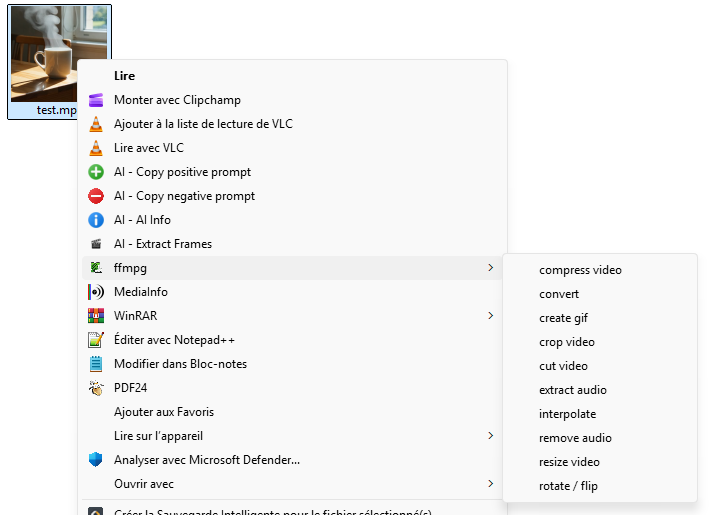
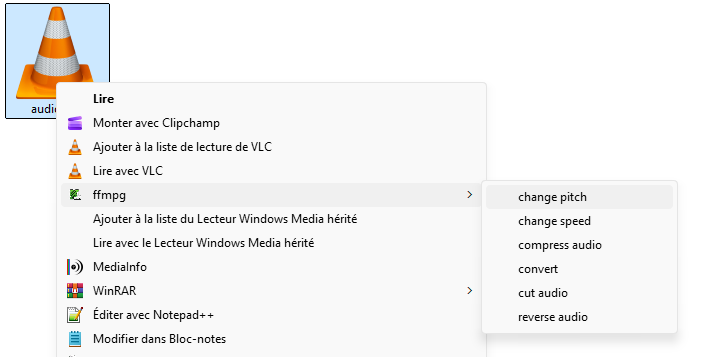
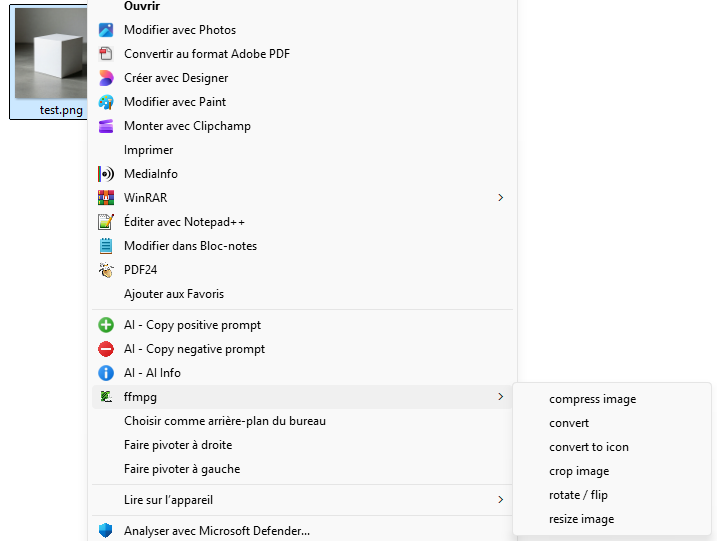
Features
The page stays readable for normal users, but each tool keeps its factual description and supported formats.
Cut clips, create GIFs, export frames, compress videos, extract soundtracks and convert files quickly.
Cut video, crop video, create GIF, extract frames, resize video, change speed, rotate / flip, interpolate, compress, convert, extract audio and remove audio.
mp4 · mkv · avi · mov · webm · m4v
Trim a recording, change speed or pitch, reverse a sound and reduce file size.
Cut audio with waveform preview, convert, change speed, change pitch, reverse and compress audio files.
mp3 · wav · flac · m4a · ogg
Build a PDF from images, resize for upload, crop the useful area, convert formats or create an icon.
Image to PDF, resize, crop, convert, compress, rotate / flip and convert images to icon files.
png · jpg · jpeg · webp · bmp · pdf · ico output
Inspect useful file details without opening a larger tool.
Shows format, duration, dimensions, bitrate and stream information when available.
video · audio · image
Local and transparent
FFActions runs locally on Windows and uses FFmpeg / FFprobe under the hood. It is open source and focused on quick everyday operations.
Screenshots
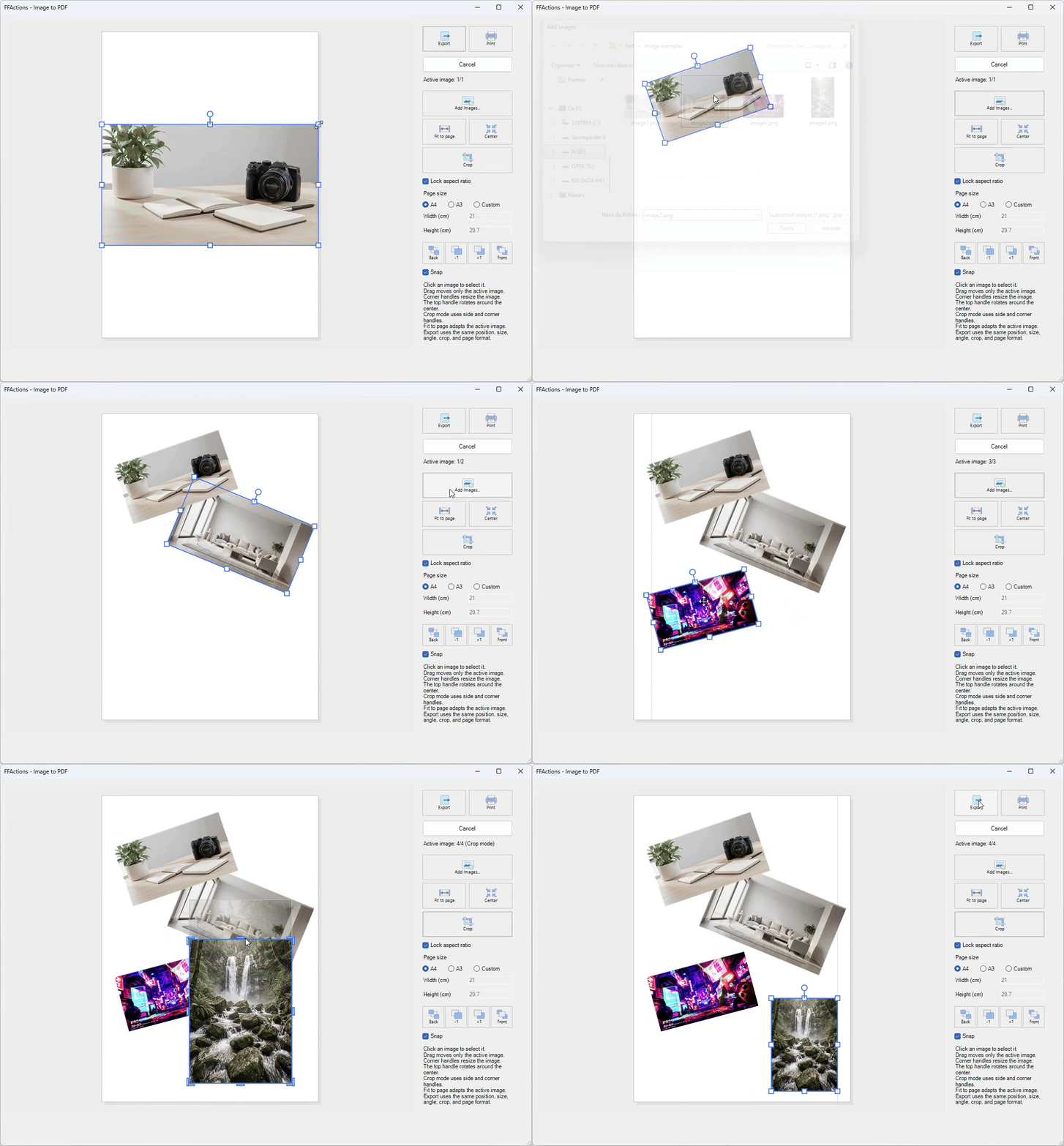
Visual page editor with move, resize, rotate, crop, layering, print and export.
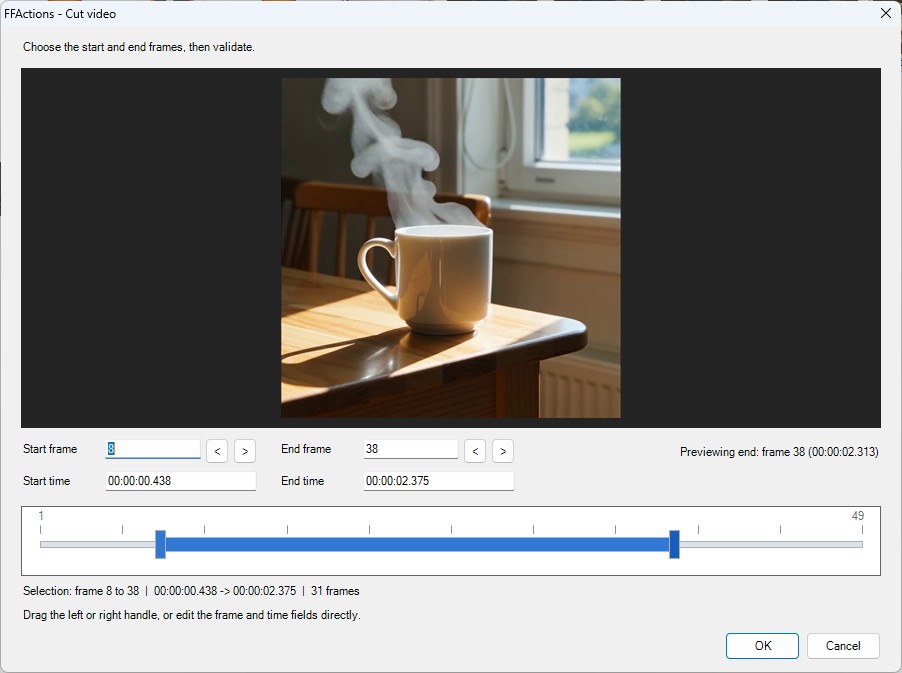
Live preview, dual-handle timeline, frame and time inputs.
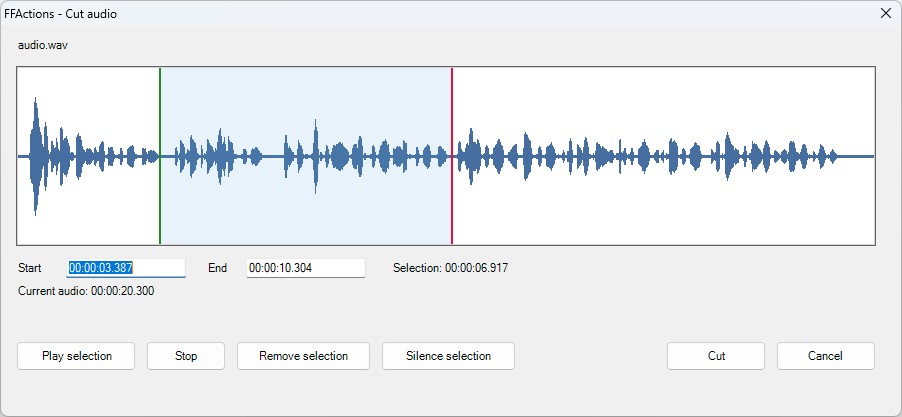
Waveform preview, selection playback, remove or silence selection.
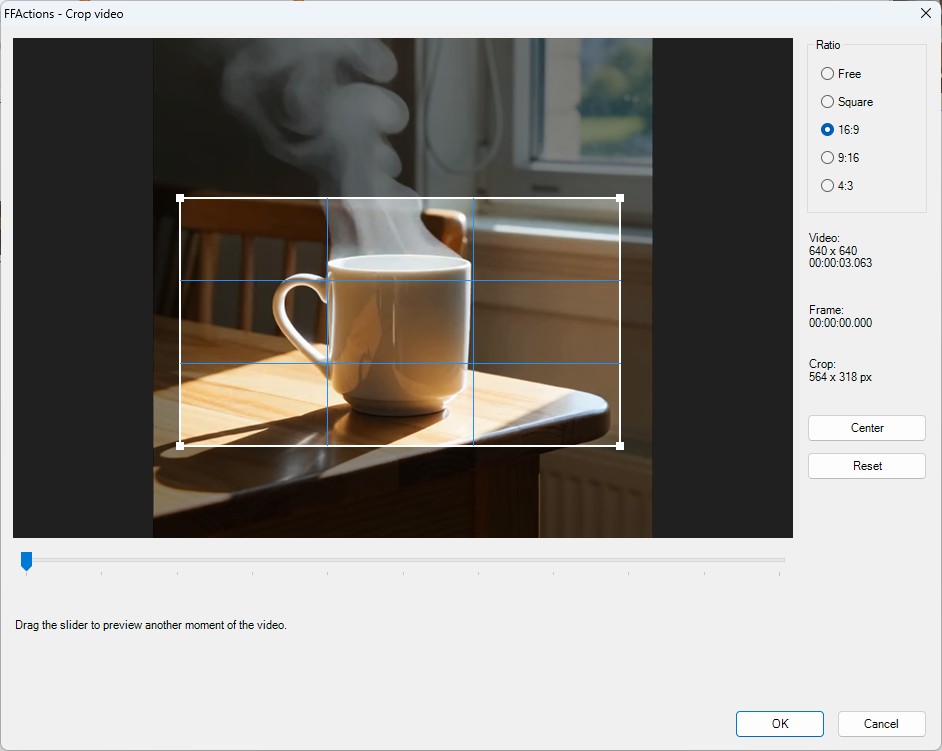
Preview frame, ratio presets, center and reset controls.
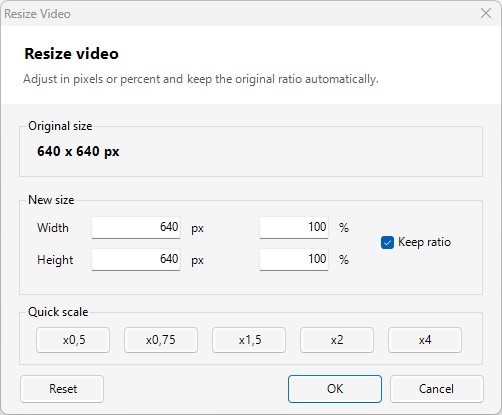
Preset sizes, custom dimensions and ratio-aware resizing.
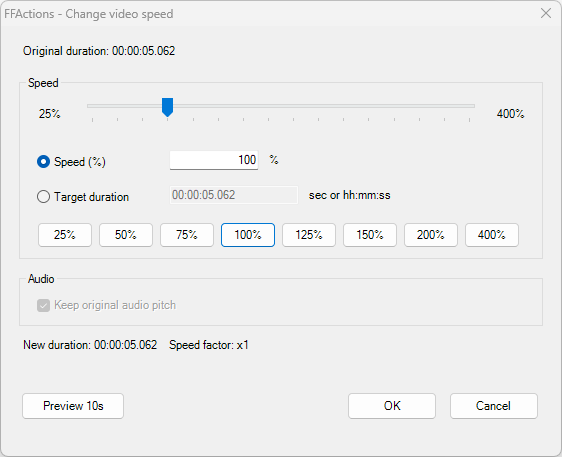
Slider, target duration sync, presets and 10-second video preview.
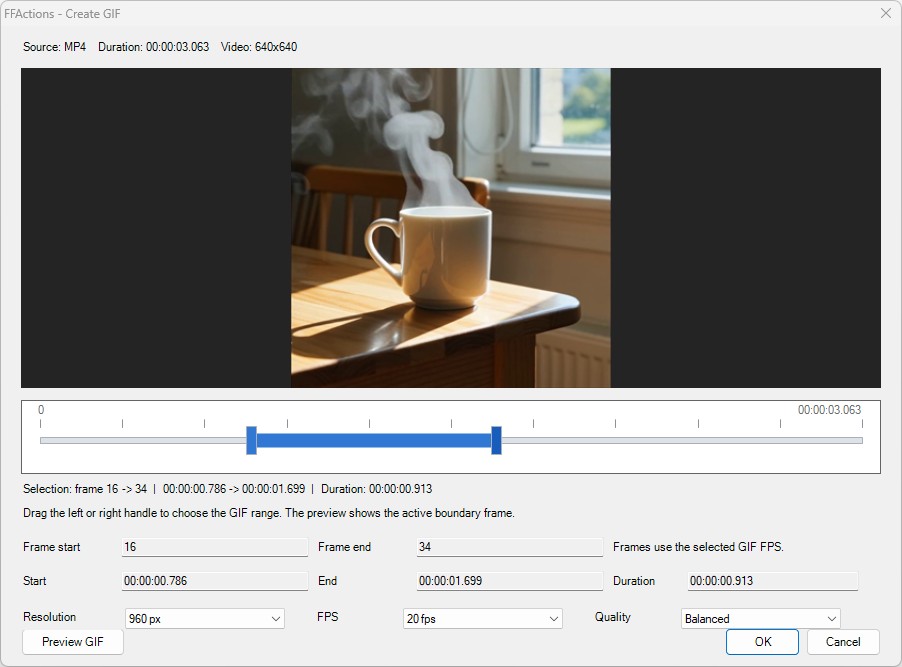
Visual range selection, frame preview and looped GIF preview before export.
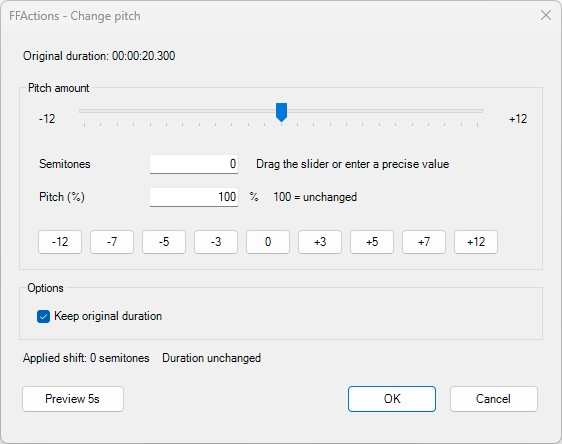
Slider, presets, synchronized values and 5-second preview.
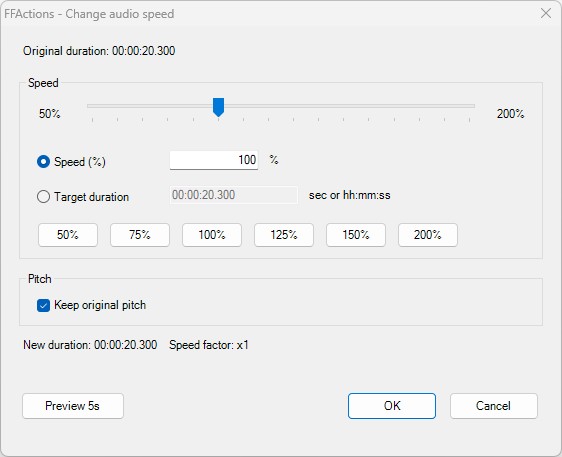
Slider-driven speed changes with target duration sync and preview.
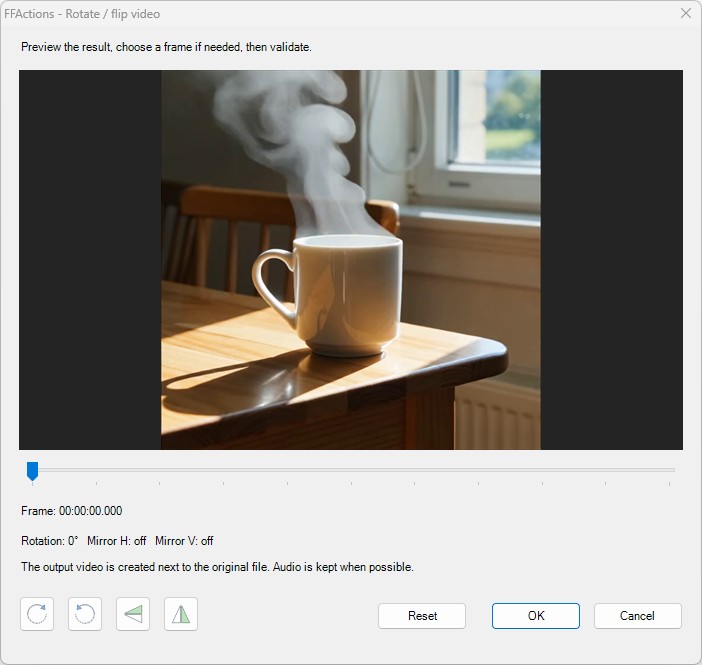
Visual preview with direct transform buttons.
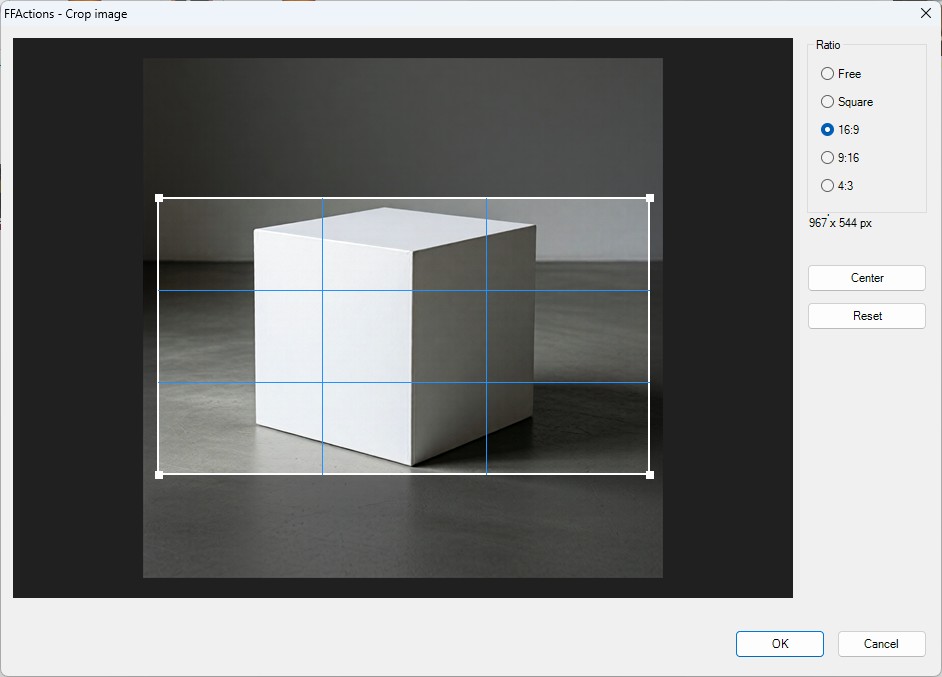
Visual crop area, size readout and ratio presets.
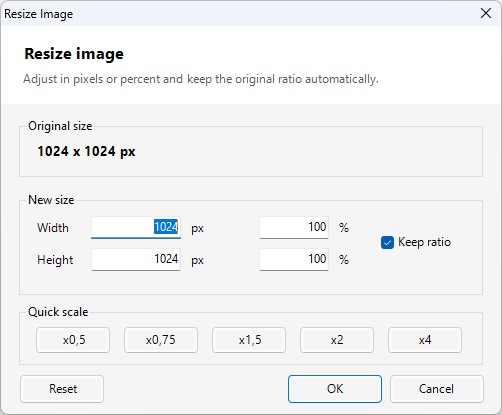
Pixel and percentage resize with automatic ratio handling.
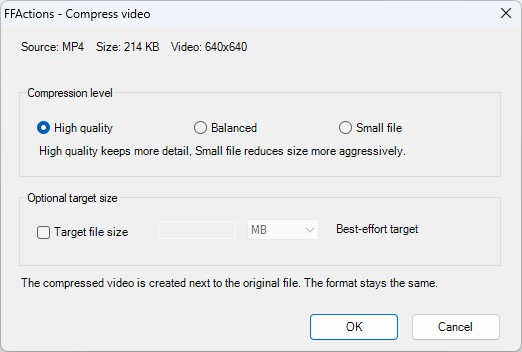
Simple quality choices for smaller exports.
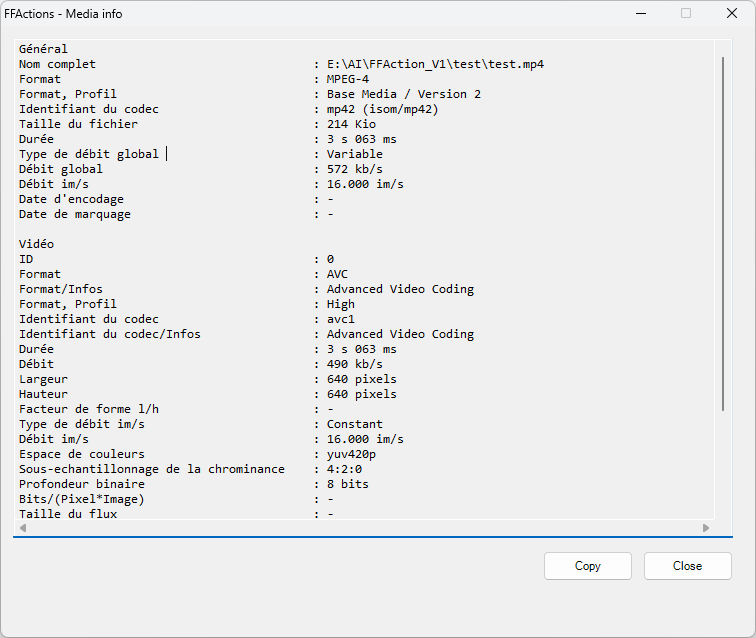
Readable technical details for video, audio and image files.
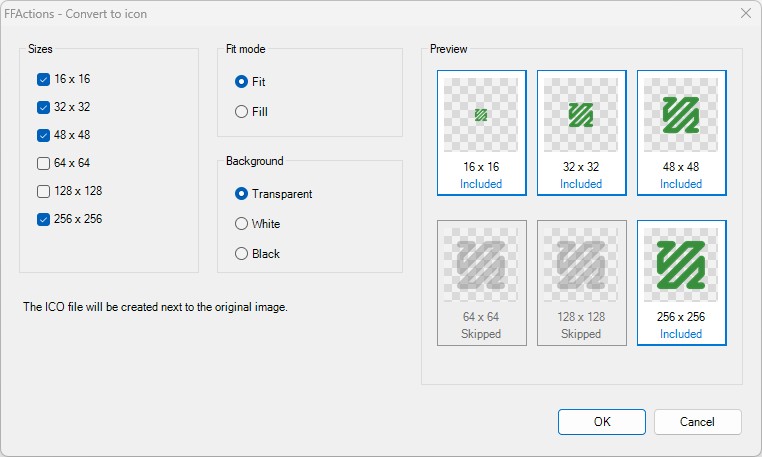
Generate Windows icon files with dynamic size previews.
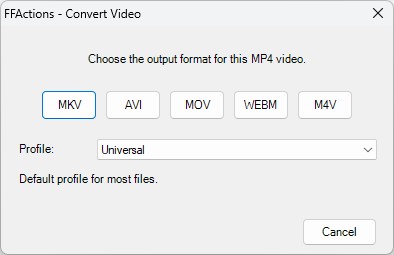
Direct-click format picker with practical conversion profiles.
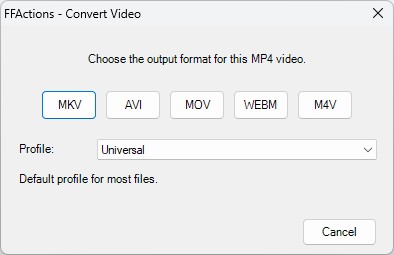
Fast format selection with standard, high quality and small file presets.
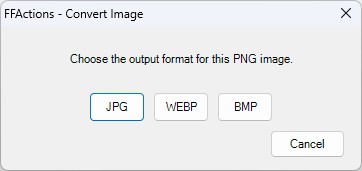
Compact image format selection.
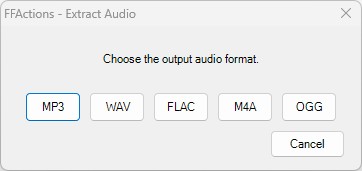
Choose an audio output format from a video.
Download
Get the latest installer from GitHub Releases, or inspect and build the source manually.